
Have you ever had situations when the code is already pushed to repo, but you need to make final (sure, of course) fixes? Join in, I’m going to show you how to do it the correct way.
Recently I encountered a very cool feature from github (github.com – is a git repo hosting). And the feature is that you can edit your repo’s code right in the browser.
It’s very cool feature IMO. I had a few times when I needed such feature while working on my personal projects, but my working pc was already off. So I had to switch it on, launch IDE, make pull-request and merge it, which takes time. Or I might just do my personal thing and put the project away until the next day.
But now I know this github’s feature (it was new for me) and I’ll suffer that no more! You can edit repo’s code right in the browser.
So how to edit repository code in the browser?
Step-by-step instruction with images. Press on it to enlarge. But before we start you’d need a GitHub account. Got it? Cool, now create a repository in it. Would be really great if it had some code. Done? Let’s proceed then.
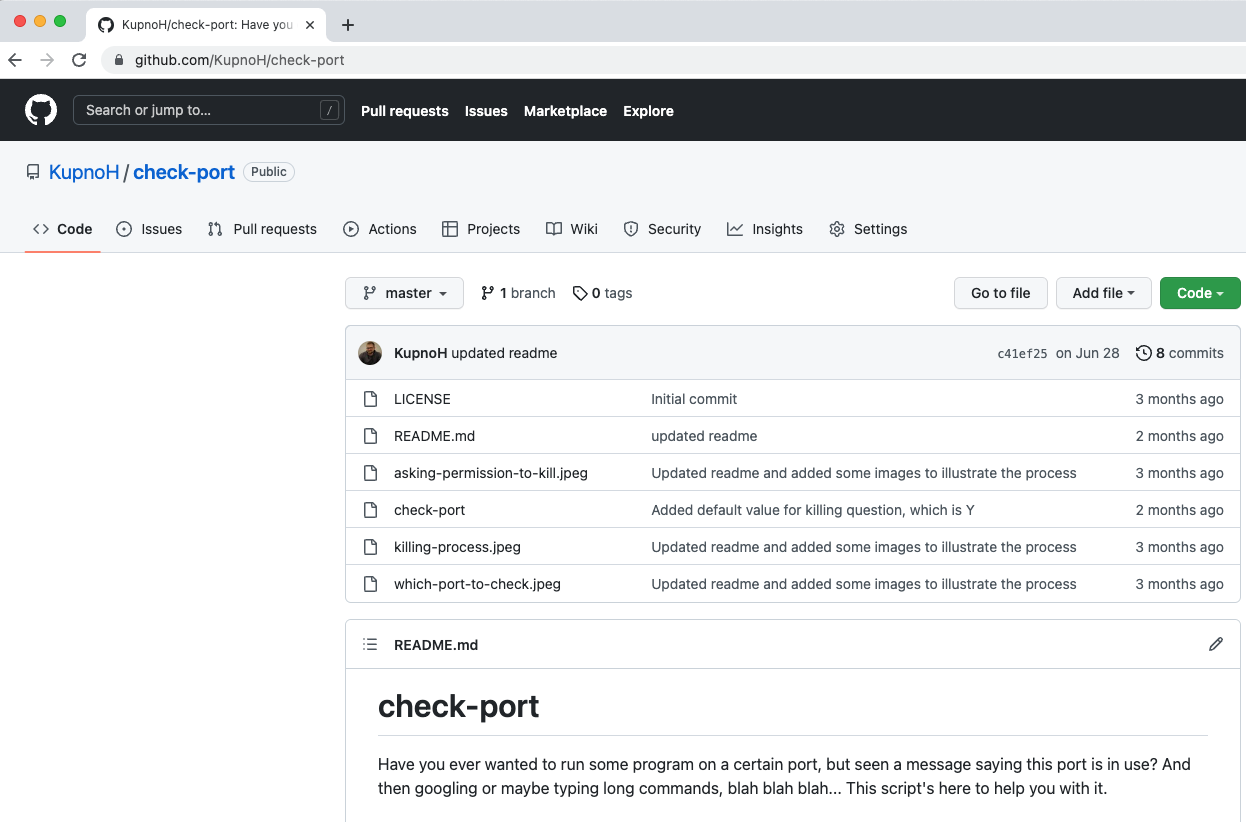
Go to your repo. I have chosen check-port – terminal util for checking ports. In URL change com to dev.

Wait while it loads and you’ll see familiar vscode’s UI. Everything is the same as in desktop version.

Menu contains default items with settings, etc. But you can see an additional item – “Go to repository”.
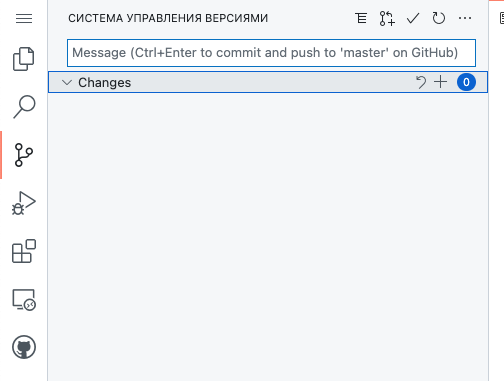
Version Control system menu contains “changes” menu, git menu, textfield for entering a commit message.

But terminal (and some other vscode features) isn’t available in web-version. Keep it in mind when you need to run tests and github actions not set up.
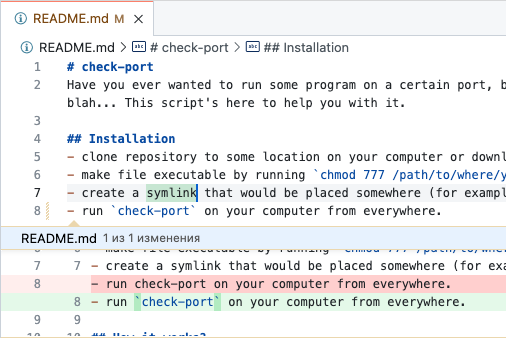
All changes highlighted as it does in ordinary IDE, you can also see diff. Screenshot on the right shows my changes.
Screenshot below shows side-by-side diff.

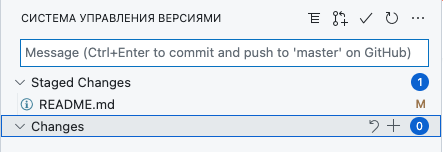
After all the changes done you can find them liste in Staged Changes list. Now we can add commit message and send it to the repo.
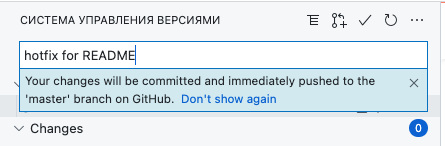
When you enter commit’s message you can see a tooltip:
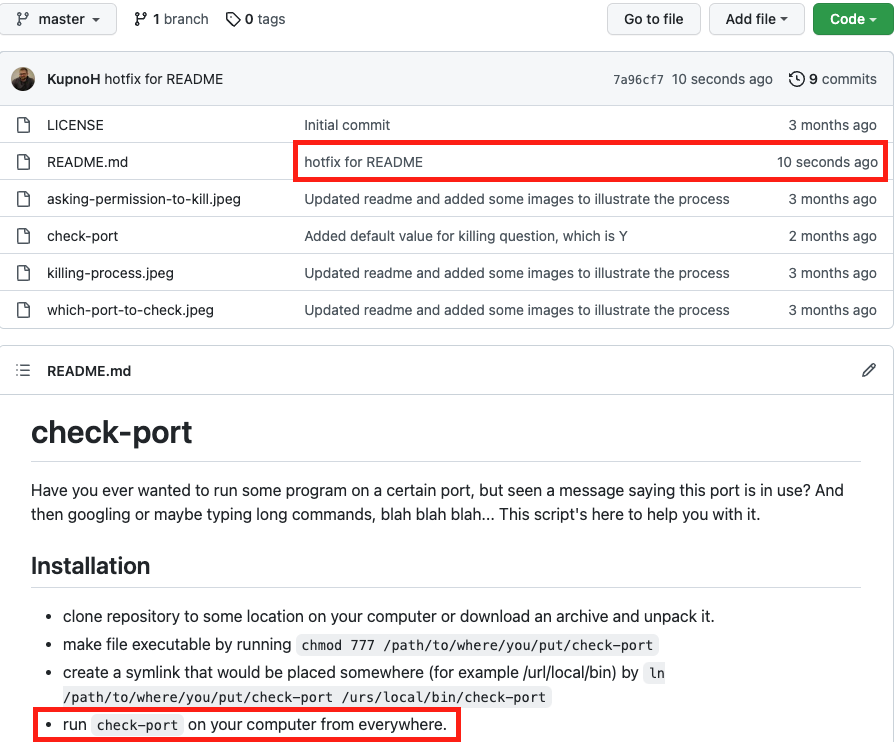
After we pushed commit let’s go back to our repo by changing URL’s dev back to com. And you immediately see all the changes you did.
There is the latest commit we did, with message ‘hotfix for README’ and in README file’s view at the bottom you can see the changes I made.
Unfortunately, I cannot do more accurate comparison to VSCode. And the main reason for this is that I use WebStorm – JetBrains’ IDE. But, as far as I know, VSCode has big number of users and both IDEs are not inferior to each other. Would be great to know your opinion. Join my telegram channel – let’s discuss.
Conclusion
As a conclusion I’d like to say that it’s a great possibility. And I have already used it and will continue to use it. I hope that this article was helpful to you. I have telegram channel, where I repost articles from my blog and post some problems and exercises. Also I have launched tiktok account recently, where I post problems and exercises too. Will be glad to see you there. And please, don’t forget my twitter, sometimes I post there too.
Hope that my content is interesting for you and if you have any questions, complains or other things, please, write me, I answer to all.
